
Listen to this article
Checking audio support
I did not start as someone who looked at a browser and thought, yes, this is where I will spend the next several years of my life. I started as a Mechanical Engineer. Gears, machines, field work, troubleshooting, checklists, real-world pressure - that was my first classroom.
Then software happened. Slowly at first, then all at once. And if there is one language that kept appearing at every turn of my journey as a Software Developer, it was JavaScript.
This is Day 1. Not the scary Day 1 where every tutorial throws ten frameworks at you. This is the calm Day 1 where we understand what JavaScript is, where it came from, who shaped it, and why it quietly became the language behind so much of the web we use every day.
Sach bolo, the first time you hear JavaScript, Java, ECMAScript, Node.js, React, TypeScript... it feels like someone opened five tabs inside your brain.
So, What Is JavaScript?
JavaScript is the programming language that makes web pages feel alive. HTML gives a page structure. CSS gives it style. JavaScript gives it behavior.
A button opening a menu, a form showing an error before submit, a search box suggesting results, a news page updating live during a big event, a checkout page calculating totals - all of this can involve JavaScript.
In my work, I have used JavaScript and its ecosystem to build frontend-heavy products, performance-focused pages, reusable UI systems, API-driven interfaces, and high-traffic experiences where one slow interaction can be felt by thousands of users.
The simplest mental model
HTML says: this is a button.
CSS says: make the button look beautiful.
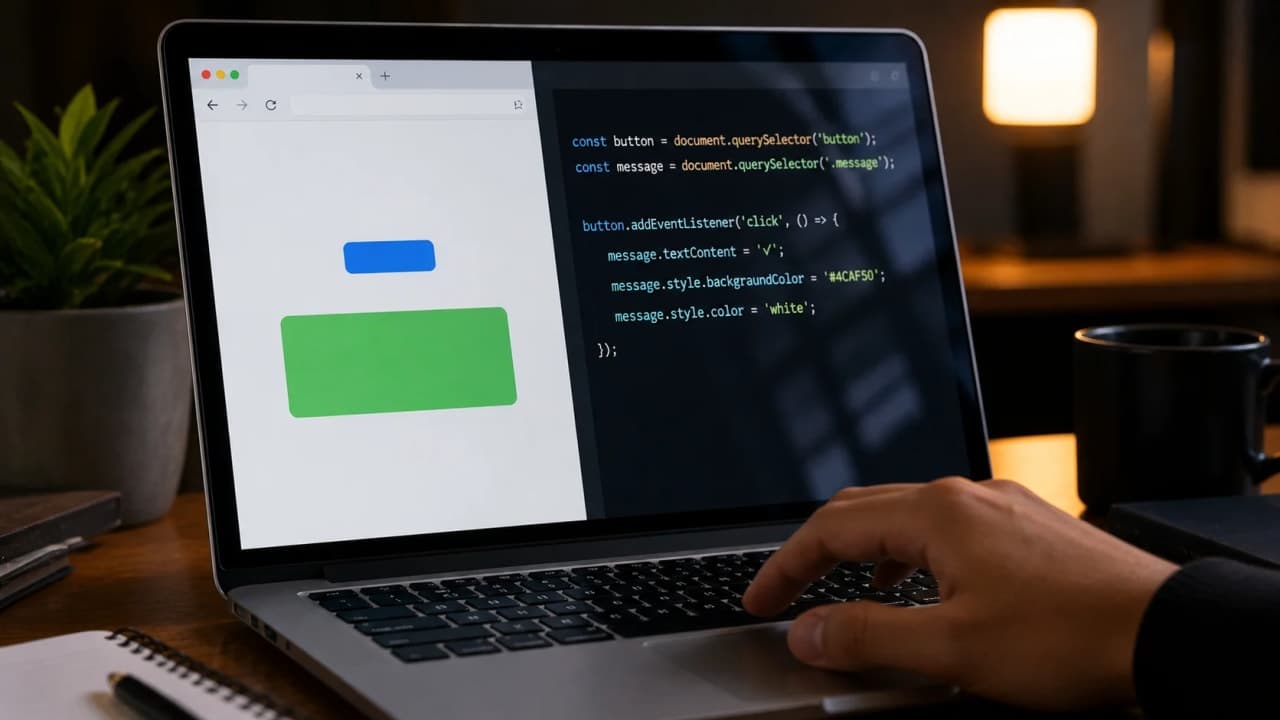
JavaScript says: when someone clicks it, do something useful.
const button = document.querySelector('#sayHello');
const message = document.querySelector('#message');

button.addEventListener('click', function () {
  message.textContent = 'Hello, JavaScript!';
});
This small example captures the heart of JavaScript. It waits for something to happen, then changes the page. Simple idea, huge impact.
The History: JavaScript Was Born In A Hurry
JavaScript came into the picture in 1995 at Netscape, during the early browser wars. The web was growing fast, but web pages were mostly static. Netscape needed a scripting language that could run inside the browser and help ordinary pages become interactive.
Brendan Eich created the first version in about ten days. Ten days. Most of us take longer to name a variable properly, so this part of JavaScript history always makes me smile.
The language was first called Mocha, then LiveScript, and finally JavaScript. The final name was partly a marketing move because Java was extremely popular at that time. Important beginner note: Java and JavaScript are different languages. They share some syntax style, but they are not the same thing.
Later, the language was standardized under ECMA International as ECMAScript. That is why you may hear terms like ES5, ES6, or modern ECMAScript. JavaScript is the language people use every day; ECMAScript is the standard that defines how the language should behave.
Who Owns JavaScript?
This question has a slightly unusual answer. JavaScript as a language is standardized by ECMA International through the ECMAScript specification. Browser makers and the wider community implement and evolve it through that standard process.
The JavaScript trademark has historically been tied to Sun Microsystems and later Oracle after Oracle acquired Sun. But practically, no single company controls how developers use JavaScript in daily life. The language grows through standards, browser engines, open-source communities, and real-world developer needs.
That is one reason JavaScript became so powerful. It did not stay locked inside one company product. It became part of the web itself.
How JavaScript Passed From One Generation To Another
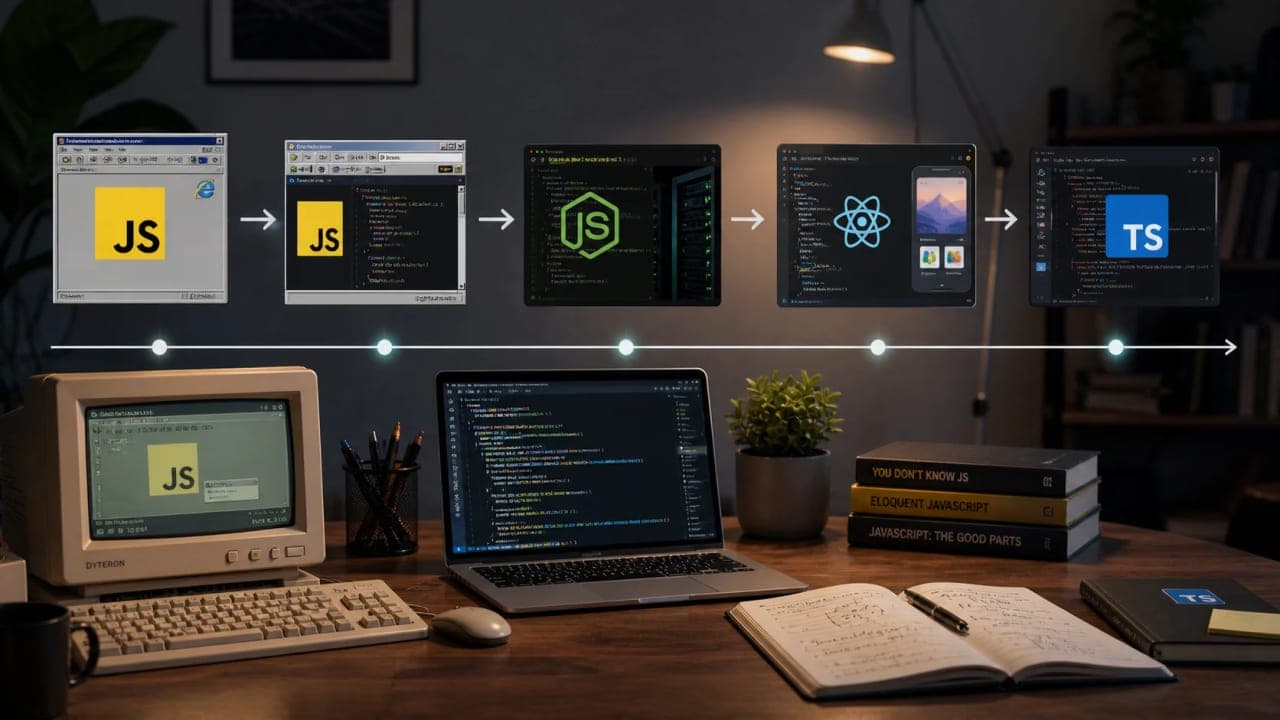
The first generation of JavaScript was browser scripting. Small interactions, form validation, popups, dropdowns, and page effects. Useful, but often messy.
Then came AJAX and richer web apps. Suddenly, pages could fetch data without full reloads. Gmail and similar products showed people that websites could behave more like software.
Then jQuery made JavaScript easier for many developers. It smoothed browser differences and gave teams a faster way to build interactions.
How is it so far?
Vote with other readers
Then Node.js changed the conversation. JavaScript was no longer only a browser language. It could run on servers too. That opened the door for full-stack JavaScript.
Then frameworks and libraries like React, Angular, Vue, Next.js, and many others made JavaScript the foundation for modern application interfaces.
And then TypeScript became a major part of the story. JavaScript itself is dynamically typed, but TypeScript added static typing on top. That made large JavaScript codebases easier to reason about, refactor, and scale.
How It Became One Of The Most Used And Most Typed Languages
When beginners say JavaScript became one of the most typed languages, they often mean two things mixed together: it became one of the most widely used languages, and modern JavaScript projects are now often written with types using TypeScript.
That happened because JavaScript sits in a very rare position. Every major browser understands it. You do not need a special plugin. You do not need to install a heavy runtime just to click a button on a website. JavaScript is already there.
As the web became the default place for products, media, tools, dashboards, shops, apps, and internal systems, JavaScript naturally became the language many teams had to learn.
From my own experience, the real jump happens when a project moves from small scripts to large systems. At that point, you start caring about structure, naming, components, caching, error states, performance, and maintainability. That is where JavaScript grows from a beginner language into a serious engineering tool.
const developer = {
  name: 'Siddhant',
  background: 'Mechanical Engineering',
  currentRole: 'Software Developer',
  focus: ['React', 'Next.js', 'Performance', 'Scalable UI']
};

console.log(developer.focus[1]); // Next.js
Objects like this are everywhere in JavaScript. They help us represent real things: users, articles, products, settings, API responses, page data, and more.
A Mechanical Engineer Looking At JavaScript
My mechanical engineering background still affects how I write code. In mechanical work, you learn that every part has a role. A loose bolt can create a bigger failure. A small alignment issue can create noise, heat, or breakdown later.
Software is not very different. A poorly named function, a repeated component, an ignored loading state, or an unnecessary API call may look small today. But inside a high-traffic product, small issues become visible fast.
That is why I like JavaScript when it is written with discipline. It gives you speed, but it also asks for responsibility. You can build quickly, but you must still think clearly.
A real beginner-friendly example
Let us say we are showing article cards on a page. Beginners may start with repeated code. That works for two cards, but not for twenty. A better approach is to store data and render from it.
const articles = [
  { title: 'JavaScript Day 1', category: 'Dev Diaries' },
  { title: 'How Browsers Read Code', category: 'Dev Diaries' },
  { title: 'Why Performance Matters', category: 'Dev Diaries' }
];

articles.forEach(function (article) {
  console.log(article.title + ' - ' + article.category);
});
This is one of the earliest mindset shifts in JavaScript: do not manually repeat everything. Represent your data, then write logic that can work with that data.
Where JavaScript Runs Today
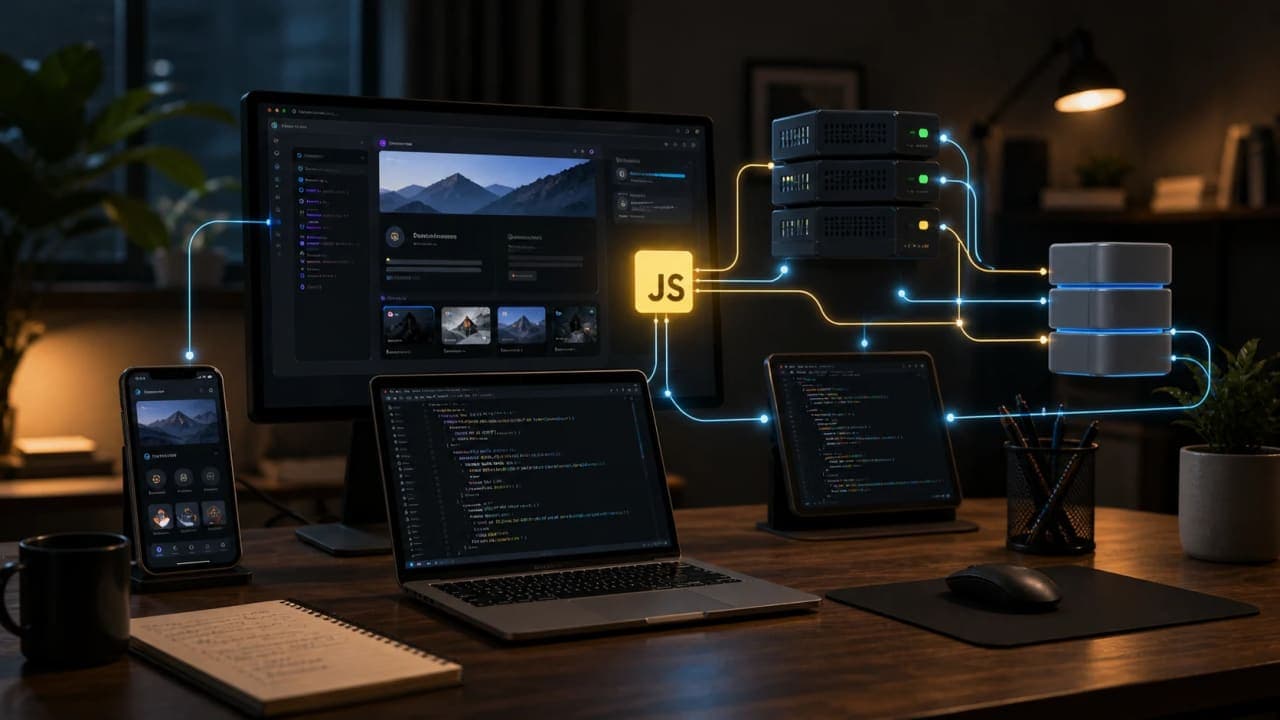
At first, JavaScript mainly lived in the browser. Today, it appears in many places.
Browser: interactions, UI updates, forms, animations, and client-side behavior.
Server: APIs, backend services, authentication flows, and scheduled jobs through Node.js.
Mobile: cross-platform apps through tools like React Native.
Desktop and tooling: build tools, automation scripts, and developer workflows.
Edge and serverless platforms: fast request handling close to users.
This does not mean JavaScript is the best choice for everything. No language is. But JavaScript became practical because it can travel across many parts of a product.
One Small Example: Variables, Functions, And Decisions
If this is your Day 1, start with three ideas: variables store values, functions repeat useful actions, and conditions help your program make decisions.
const pageViews = 1200;
const pageLoadTime = 2.4;

function isFastPage(loadTime) {
  return loadTime < 3;
}

if (isFastPage(pageLoadTime)) {
  console.log('Good experience for readers');
} else {
  console.log('Needs performance improvement');
}
This example is simple, but the thinking is real. In production, teams use JavaScript to measure performance, respond to user behavior, fetch data, and improve the reading experience.
Why Beginners Should Learn JavaScript First
JavaScript gives fast feedback. You can write a small line, refresh the browser, and see something happen. That matters because confidence is built through visible progress.
It also teaches useful programming habits: variables, functions, loops, arrays, objects, events, APIs, async work, and debugging. These ideas do not stay limited to JavaScript. They make you better at programming in general.
The danger is trying to learn everything at once. Do not begin with React, Next.js, Node.js, TypeScript, bundlers, testing, deployment, and performance all on the same morning. Thoda shanti. First understand the language.
What To Learn On Day 1
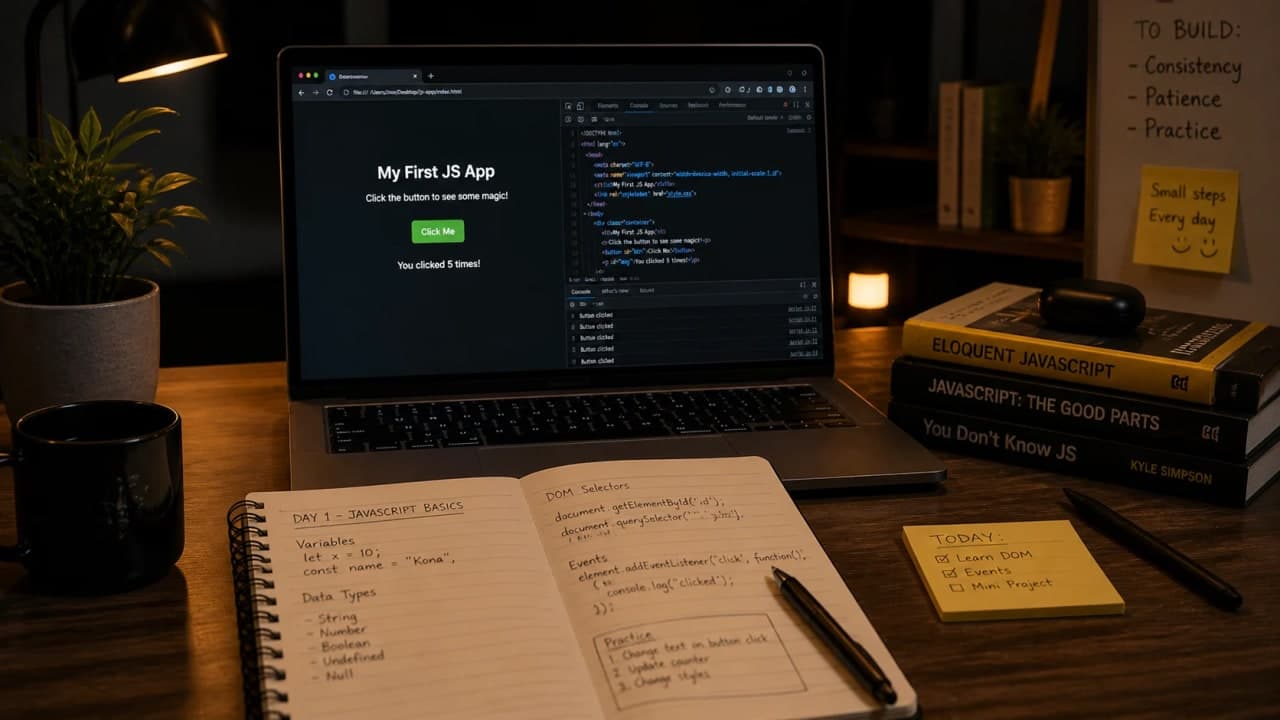
What JavaScript is and where it runs.
How to create variables using const and let.
How to write a function.
How to use if/else decisions.
How to work with arrays and objects.
How JavaScript changes a web page through events.
My Honest Advice
Do not judge JavaScript only by its weird parts. Yes, it has strange behavior. Yes, old JavaScript code can look chaotic. But modern JavaScript, when paired with good architecture and TypeScript where needed, can power serious products.
I have seen it handle fast-moving interfaces, reusable component systems, API-heavy screens, performance-sensitive pages, and high-pressure traffic moments. The language is flexible. The quality depends on how we use that flexibility.
So if this is your first day with JavaScript, keep it simple. Open the browser. Write a few lines. Make a button react. Print an object. Break something small. Fix it. That is how the web starts becoming less mysterious.
And from the perspective of a Mechanical Engineer turned Software Developer, that is the best part: JavaScript teaches you that systems are not magic. They are small moving parts, connected carefully, doing useful work together.
Lock in the takeaway
JavaScript Dev Diaries
Frequently asked questions
Is JavaScript a good first language for frontend beginners?
Yes. JavaScript is a practical first language for frontend work because it runs in the browser and powers interactive web pages.
Do I need to know TypeScript before learning JavaScript?
No. Learn JavaScript basics first, then TypeScript becomes easier because it adds type safety on top of the same core language.
What should I learn after this JavaScript introduction?
Move next to variables, data types, functions, conditions, arrays, objects, DOM basics, and small browser projects.